What is Bespin?
In the Empire Strikes Back, Bespin was the planet where Cloud City was located. It is fitting that the cloud storage server be named after Cloud City.
Bespin is my cloud storage server, powered by NextCloud. It is used similar to Dropbox or OneDrive
‘The Cloud’ is the term for file storage.
‘NextCloud’ is the name of the software that’s running it all.
‘Bespin’ is the name of the server hosting the software.
All terms are used mostly interchangeably.
How do I connect to it?
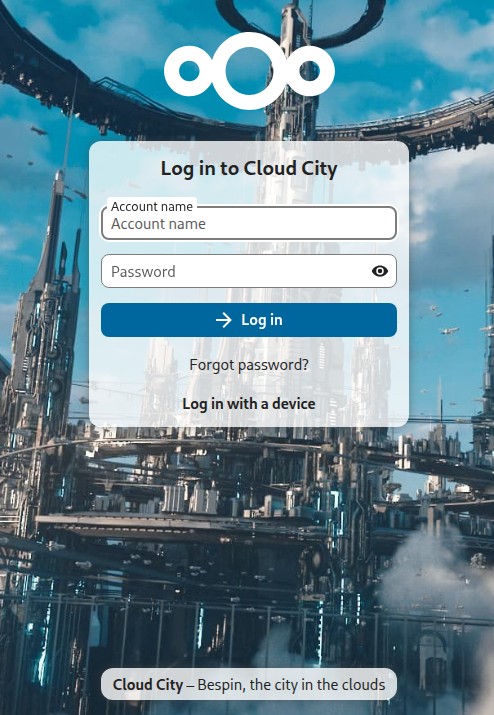
You can click here to connect directly from your web browser
https://bespin.rvffccorp.com
You can also download the NextCloud app which will seamlessly integrate your cloud storage with your device. You can then use your files as if they were directly on your device.
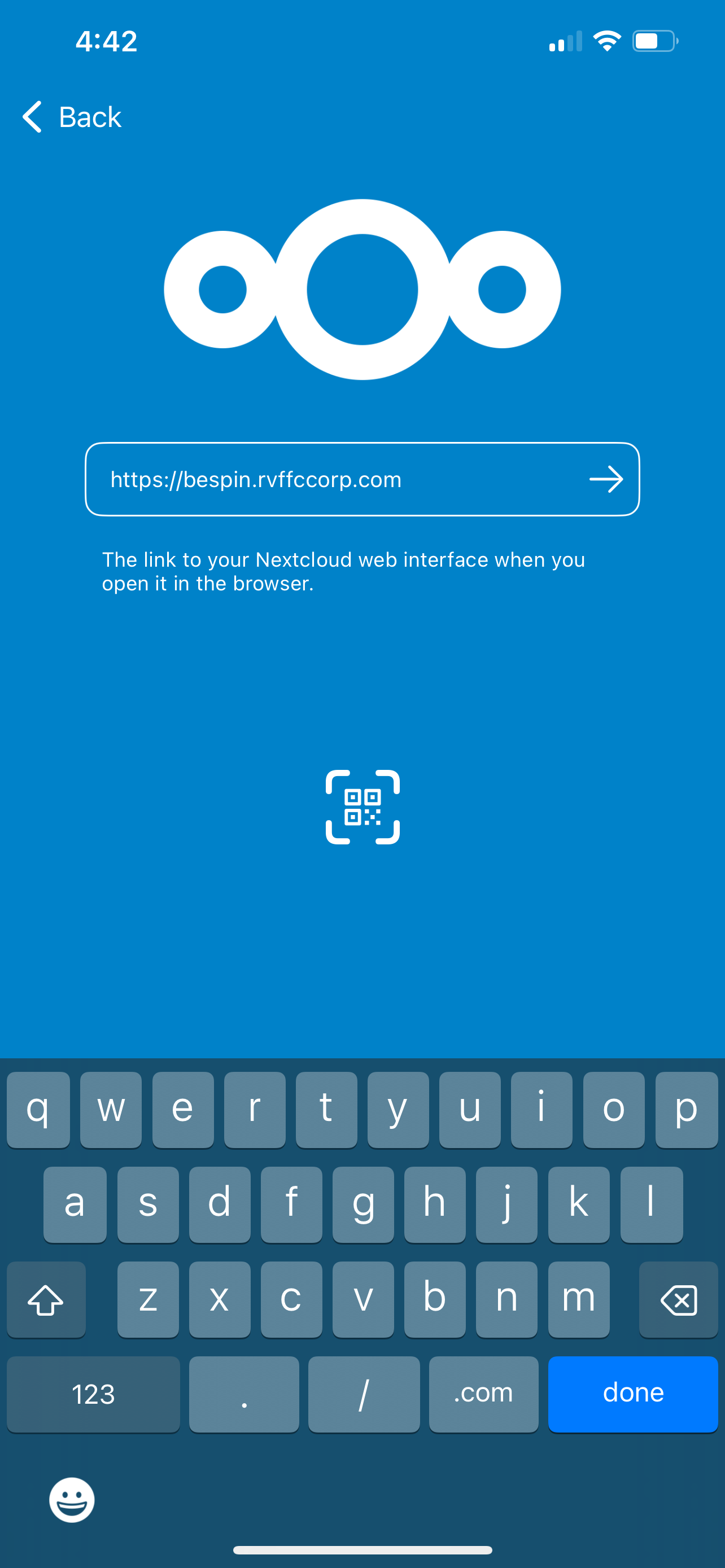 Server: https://bespin.rvffccorp.com
It will then open a browser and ask you to log in (same as above). Enter your username and password
It will prompt you to Grant Access. Once you do, you can close the browser window. NextCloud will automatically sync with the app
Is it secure?
Yes. The site uses SSL encryption, so even if you’re on a sketchy wi-fi location, no one will be snooping on your data.
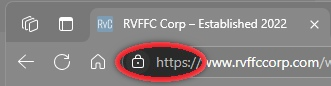 As long as you see the lock and the https (with the ‘s’) in your address bar, you know you’re connected securely.
Anti-virus scans are run regularly to ensure your files are safe.
Backups are taken twice weekly, so even if the server goes down your data can be recovered.
Where is my data physically located? Where is "the cloud"?
Your files are stored on a drive on my servers at my location. The NextCloud software simply allows you to connect to it.
Is there a storage limit?
Not at the moment.
However, this is useful for GB of storage (even hundreds of GB), but not for TB.