Problem:
No matter how diligently reviewing firmware details on a per-server basis manually, they were never up to date. Things such as network cards were all slightly different between servers, making it difficult to keep straight which update applied to which servers
Solution:
- Scripted periodic updates of all currently installed firmware to a database using REST API and Powershell
- Created several SQL scripts to compare itemized firmware installations across all servers
- Created PHP pages on personal intranet to utilize those queries for quick reference and easy layout.
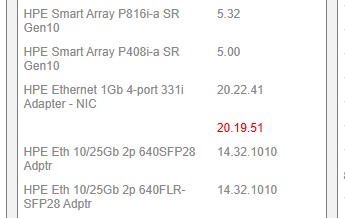 I can immediately see in red that at least one server needs a BIOS update
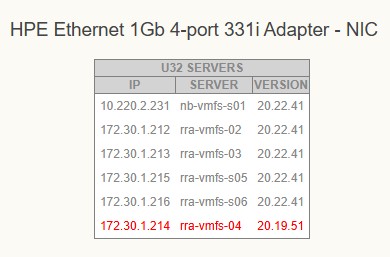 By clicking on the firmware category, I can fine-tune the results to give me every server that uses that hardware and what version they’re on. In this case, one server is highlighted in red to alert me that it is behind the latest version
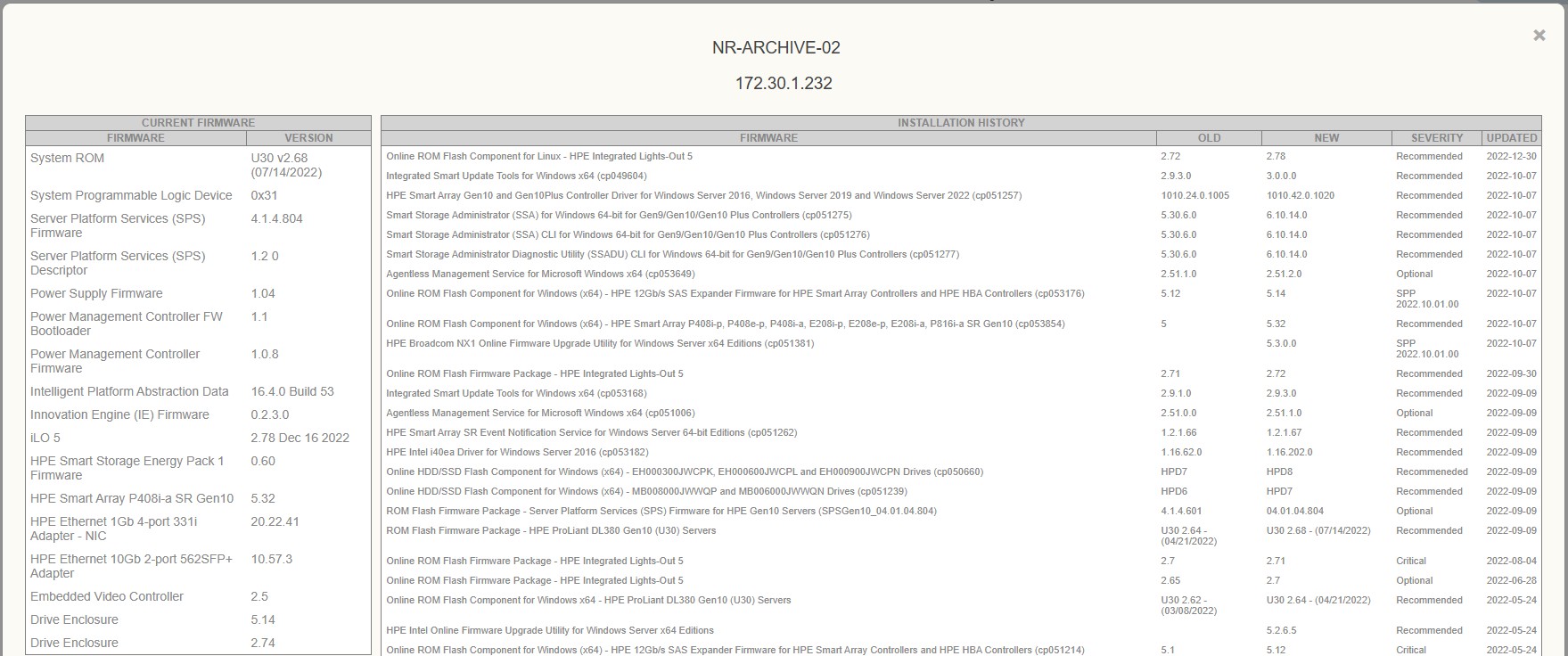 I also conveniently maintained a complete update list of exactly what was done and when for recordkeeping and compliance.